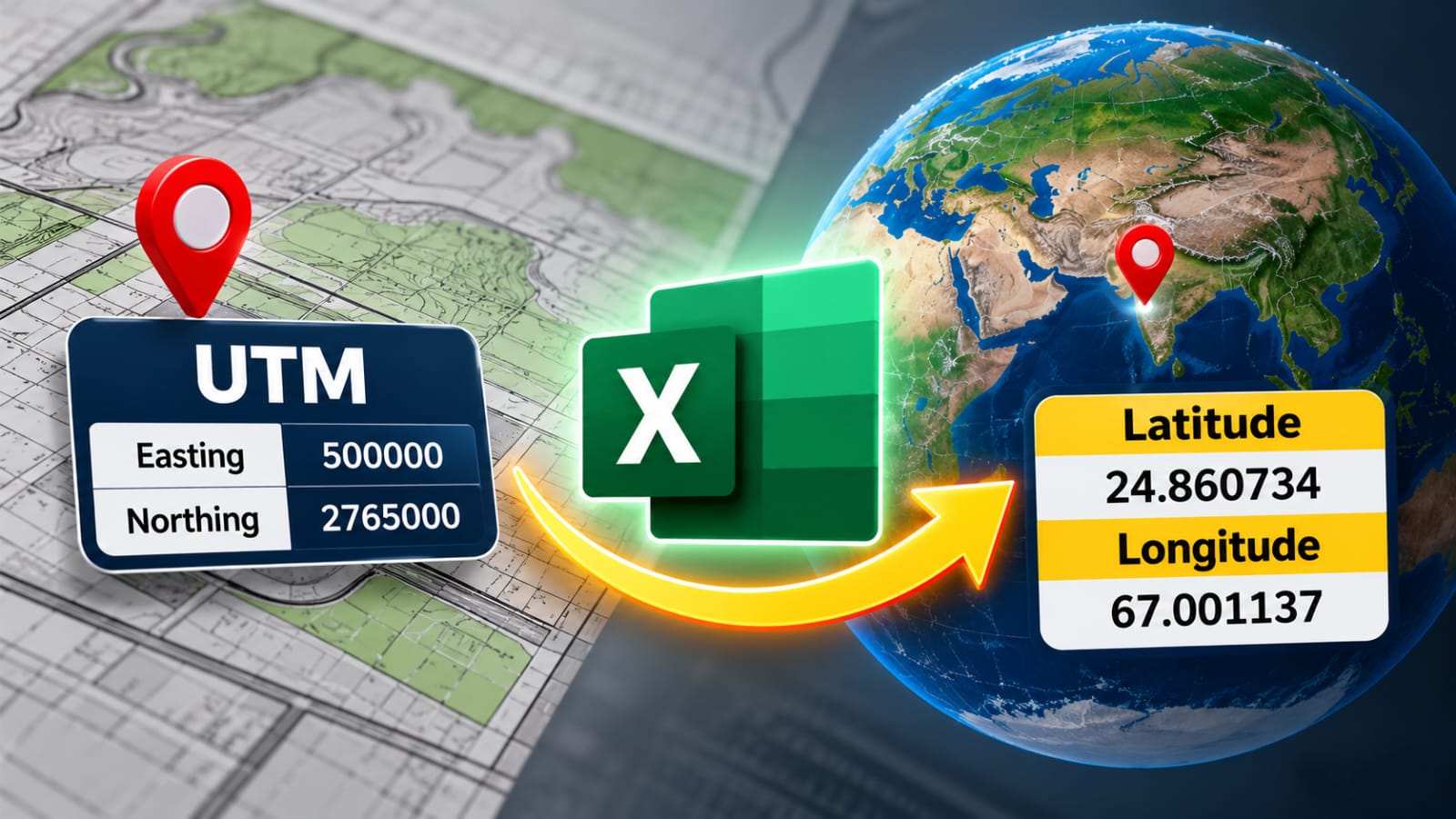
Convert UTM Coordinates to Latitude & Longitude in Excel
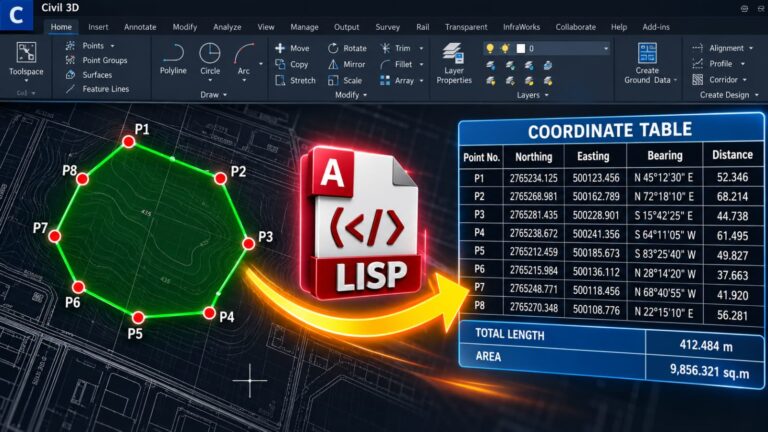
Converting UTM coordinates to Latitude and Longitude is a common requirement in surveying, GIS, mapping, and civil engineering projects. Survey data is often provided as Easting and Northing, while many mapping applications and GPS systems require coordinates in Latitude and Longitude format.
If you have a large number of survey points, converting them individually can take a lot of time. An Excel-based conversion sheet can make this process much faster and easier.
What Are UTM Coordinates?
UTM stands for Universal Transverse Mercator. It is a projected coordinate system used to represent locations on the Earth’s surface in meters.
A UTM coordinate mainly consists of:
Easting – represents the horizontal position.
Northing – represents the vertical position.
For example:
Easting: 500000
Northing: 2765000
However, Easting and Northing alone are not enough for an accurate conversion. You also need the UTM Zone and Hemisphere. The correct Datum, such as WGS84, should also be confirmed.
How to Convert UTM Coordinates Using Excel
The Excel sheet provides a simple way to organize and convert your coordinate data.
Enter the required information:
Easting: 500000
Northing: 2765000
Zone: 42
Hemisphere: North
After applying the conversion, the corresponding geographic coordinates can be obtained, such as:
Latitude: 24.860734
Longitude: 67.001137
The overall workflow is:
UTM Easting & Northing → Excel Conversion → Latitude & Longitude
Why Use an Excel Sheet?
Excel becomes especially useful when you are working with a large survey dataset.
Instead of converting each point separately, you can enter multiple points into the spreadsheet and apply the same conversion process to all of them.
This can save time and provide a clean, organized coordinate table that can be used for further mapping or engineering work.
The converted coordinates can be used in GIS software, Google Earth, GPS systems, AutoCAD Civil 3D, and other mapping applications.
Important Things to Check
Before converting your coordinates, make sure that the UTM Zone, Hemisphere, and Datum are correct.
Using the wrong UTM Zone can place the resulting coordinate in a completely different location. Similarly, selecting the wrong Hemisphere or Datum can affect the final result.
For professional surveying and engineering projects, always verify the converted coordinates using a trusted GIS or mapping application.
Download the Excel Sheet
To make this process easier, we have prepared an Excel sheet for converting UTM Easting and Northing coordinates to Latitude and Longitude.
Download Excel Sheet:
[LINK HERE]
Simply enter your UTM coordinate information into the sheet and follow the conversion workflow to obtain the corresponding geographic coordinates.
This tool can be useful for surveyors, civil engineers, GIS professionals, CAD technicians, and anyone working with survey or coordinate data.
Conclusion
Converting UTM coordinates to Latitude and Longitude becomes much easier when the process is automated through Excel.
With the correct Easting, Northing, UTM Zone, Hemisphere, and Datum, you can efficiently transform your survey coordinates into geographic coordinates and use them across different mapping and engineering platforms.