Automate PDF Plotting in Civil 3D with LISP
Creating PDF files from Civil 3D drawings is a regular part of many surveying, civil engineering, and CAD projects. When working with multiple drawings, manually setting the paper size, orientation, scale, plot style, and plotting area for every PDF can become repetitive and time-consuming.
The Civil3DProPDF LISP can simplify this workflow and help you generate PDF files with fewer manual steps.
Set PDF Plotting Parameters
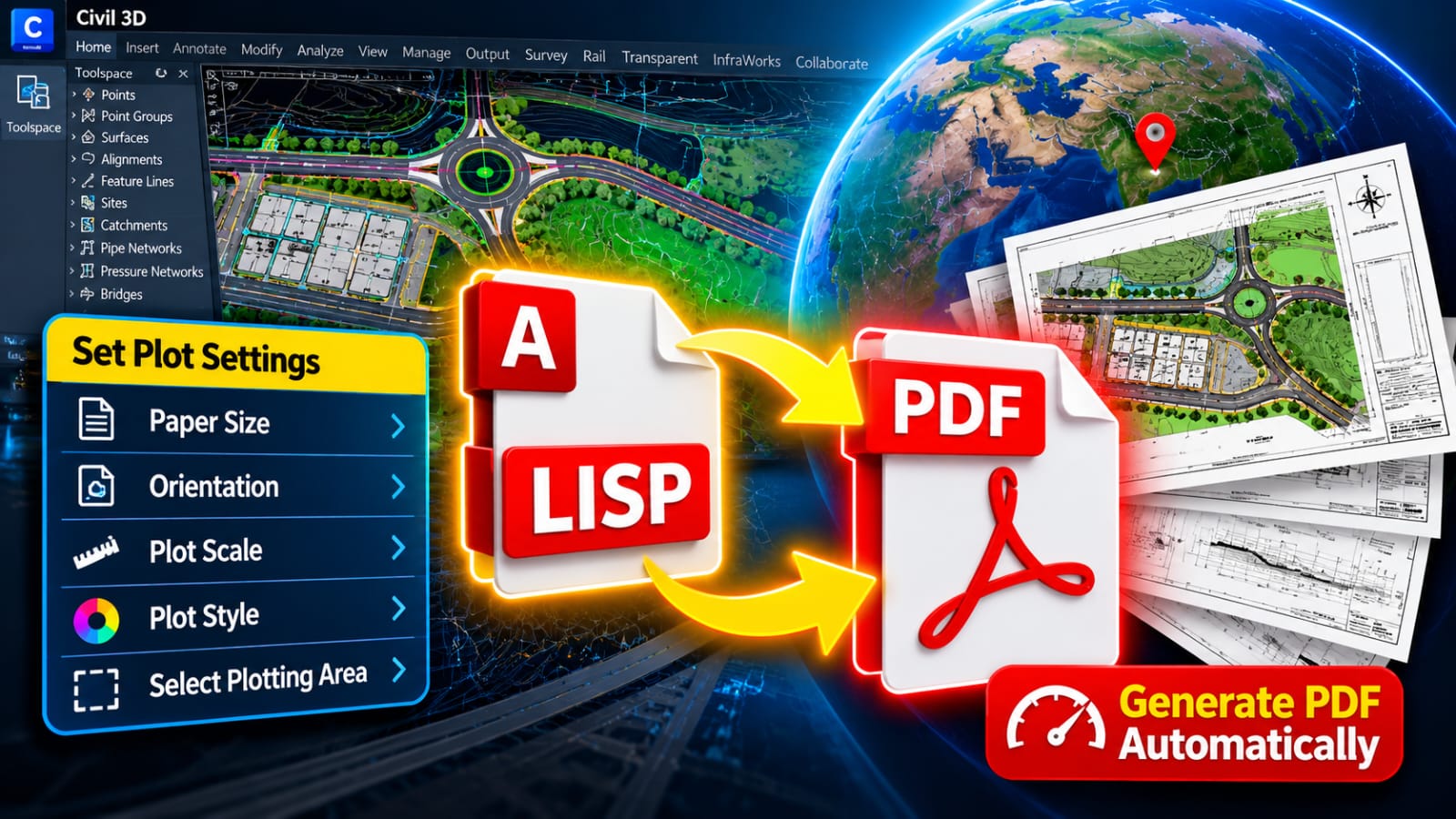
The LISP routine allows you to configure the main plotting settings before generating the PDF.
You can set important options such as:
- Paper Size
- Drawing Orientation
- Plot Scale
- Plot Style
- Plotting Area
Once these settings are defined, you can continue with the plotting process without repeatedly configuring the same options.
Select the Plotting Area
After setting the required PDF parameters, you can select the specific area of the drawing that needs to be plotted.
This is useful when your Civil 3D drawing contains a large amount of information but only a specific portion is required in the final PDF.
For example, you may need to plot a survey plan, site plan, grading plan, road layout, drainage plan, or construction detail.
Generate PDF Automatically
Once the paper size, orientation, scale, plot style, and plotting area have been selected, the LISP routine can process the plotting setup and generate the PDF.
The workflow becomes:
Set Paper Size → Select Orientation → Set Scale → Choose Plot Style → Select Plotting Area → Generate PDF
This reduces repetitive plotting steps and makes the PDF creation process more efficient.
Download the LISP
If you want to speed up your Civil 3D PDF plotting workflow, you can download the Civil3DProPDF LISP here:
Download Civil3DProPDF LISP:
[LINK HERE]
Maintain Consistent PDF Output
When preparing project drawings, maintaining consistent plotting settings is important.
If several drawings need to use the same paper size, scale, orientation, and plot style, a consistent LISP-based workflow can help keep the PDF output uniform.
This is particularly useful when preparing complete project drawing packages.
Why Use LISP for PDF Plotting?
LISP can automate repetitive tasks inside AutoCAD and Civil 3D. Instead of manually performing the same plotting operations for every drawing, a dedicated plotting routine can reduce the number of steps required.
It can be useful for:
- Survey Plans
- Site Plans
- Road Design Drawings
- Grading Plans
- Drainage Plans
- Construction Drawings
- Engineering Documents
- Large Drawing Sets
Conclusion
PDF plotting is an important part of delivering Civil 3D drawings, but configuring the same settings repeatedly can take unnecessary time.
The Civil3DProPDF LISP provides a streamlined workflow for setting the paper size, orientation, scale, plot style, and plotting area before generating the final PDF.
By reducing repetitive manual steps, this type of automation can make PDF plotting faster, easier, and more organized.