Free AutoCAD Lisp for Surveyors: Top Routines to Speed Up Your Survey Drafting in 2026
If you spend your day moving between field data, point files, and AutoCAD, you already know how repetitive survey drafting can get. Labeling hundreds of points, computing areas, drawing parcel lines, and converting coordinates manually all eat up hours that should be spent on actual engineering work. This is exactly where free AutoCAD Lisp for surveyors comes in.
LISP (List Processing) routines are small scripts that automate repetitive AutoCAD tasks. For land surveyors, civil engineers, and drafters, a well-built LISP library can cut drafting time by 50% or more. In this guide, we’ll walk through the best free AutoCAD LISP routines for surveyors, how to install them, and how Civil3D Pro can help you go beyond LISP with full civil engineering and surveying support.
Why Surveyors Rely on AutoCAD LISP Routines
Survey drafting involves a lot of repetitive, rule-based tasks: labeling coordinates, calculating bearings and distances, numbering points, and drawing boundary lines from raw field data. AutoCAD’s native tools weren’t built specifically for surveyors, so most professionals turn to AutoCAD lisp routines for land surveying to fill the gap.
The benefits are straightforward:
Faster point plotting directly from coordinate files instead of manual entry. Automatic labeling of northing, easting, elevation, and point numbers. One-click area and traverse calculations instead of manual computation. Fewer manual errors when converting field data into a finished drawing. More time for analysis and design instead of repetitive clicking.
also check autocad coordinate lisp free download.
This is why searches for free AutoCAD lisp download for surveyors remain so popular among civil engineering professionals and survey technicians.
Best Free AutoCAD LISP Routines for Surveyors
Below are categories of LISP routines that consistently save the most time in survey and civil engineering workflows.
1. Point Plotting and Labeling LISP
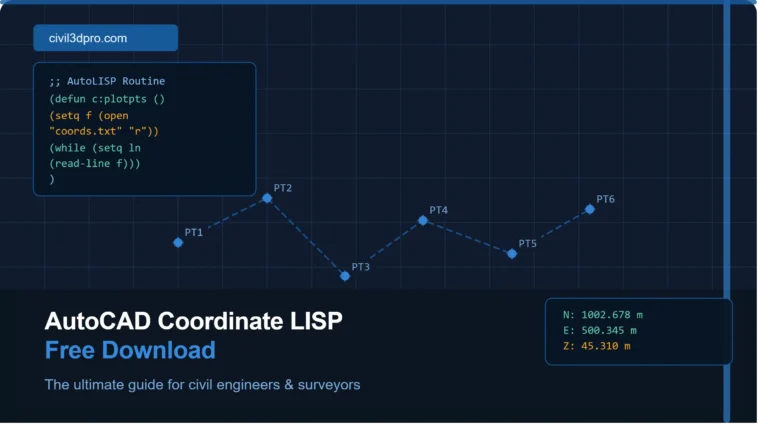
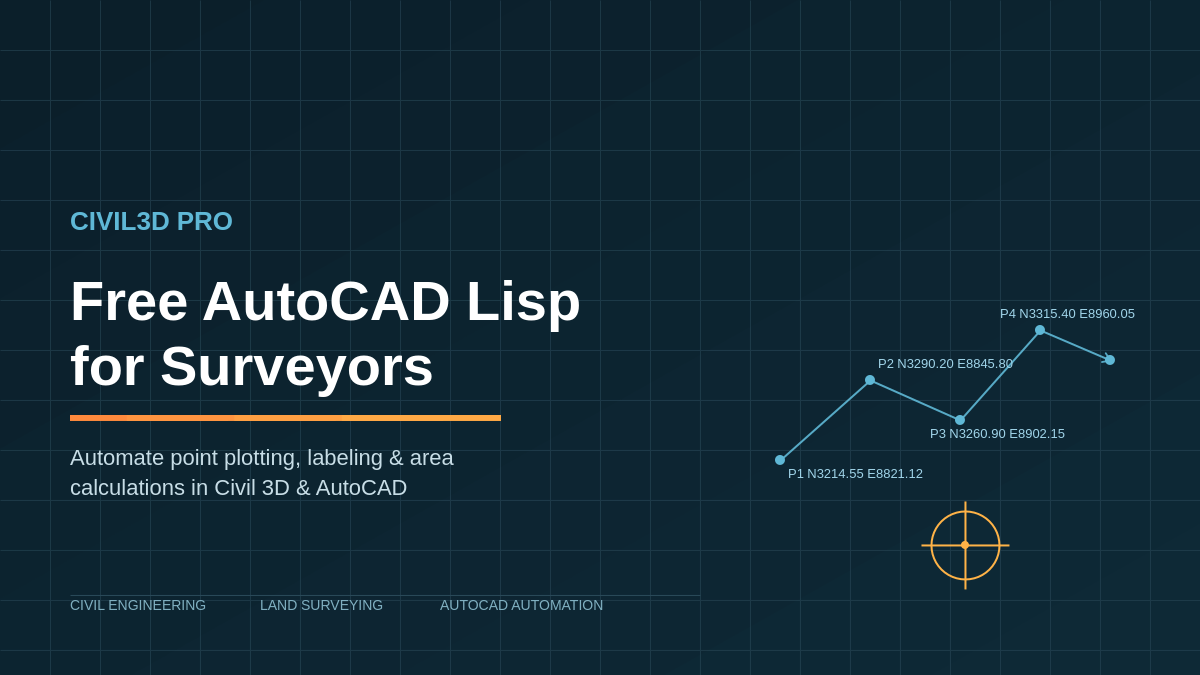
These routines import coordinate data (Northing, Easting, Elevation, Description) from a text or CSV file and automatically plot points with labels in AutoCAD. Instead of manually typing hundreds of coordinates, a surveying lisp for AutoCAD like this can plot an entire point file in seconds.
2. Bearing and Distance Labeling
A core task in land surveying AutoCAD automation is labeling boundary lines with bearings and distances. LISP routines can automatically calculate and annotate these values along any selected polyline, which is especially useful for plat drawings and legal descriptions.
3. Area and Traverse Calculation LISP
These routines compute the enclosed area of a closed polyline or traverse and insert the result directly into the drawing, often with acreage and square footage conversions included. This is a staple for civil engineering AutoCAD scripts used in subdivision and boundary work.
4. Coordinate Geometry (COGO) Routines
COGO-style LISP tools let you compute inverse bearings, intersections, and point projections without leaving AutoCAD, making them essential free CAD tools for civil engineers working on parcel layout or right-of-way design.
5. Contour and Elevation Labeling
For sites with topographic data, LISP routines can automatically label contour elevations or spot elevations across a surface, reducing manual annotation work significantly.
Where to Find Free AutoCAD LISP for Surveyors
Several trusted communities and resources regularly share free AutoCAD lisp for surveyors, including CAD forums such as CADTutor and AutoCAD forums, Autodesk’s own App Store (which has a free section), and GitHub repositories maintained by civil and survey professionals. Always download LISP files from reputable sources and review the code before running it, since LISP files can execute commands directly in your drawing.
How to Load a LISP Routine in AutoCAD
Loading a LISP file is simple once you know the steps:
Type APPLOAD in the command line and press Enter. Browse to the location of your .lsp file and select it. Click Load, then Close. Run the command defined inside the LISP file (check the routine’s documentation for the command name).
If you want a routine to load automatically every time you open AutoCAD, add it to your acaddoc.lsp file or use the Startup Suite inside the Appload dialog.
When Free LISP Routines Aren’t Enough
Free LISP routines are excellent for individual tasks, but most surveyors eventually run into limits: routines that conflict with each other, lack of support when something breaks, or workflows too complex for a single script to handle (full topo processing, surface modeling, parcel layout with legal descriptions, or DTM/DEM generation).
This is where dedicated civil engineering and surveying services make the difference. At Civil3D Pro, we provide full Civil 3D drafting, surface and corridor modeling, boundary and topographic survey processing, and custom automation solutions built specifically around your firm’s workflow, not generic one-size-fits-all scripts.
Final Thoughts
Free AutoCAD lisp for surveyors is one of the most effective ways to speed up day-to-day drafting work, especially for point plotting, labeling, and area calculations. But as projects grow in complexity, having a civil engineering partner who understands both the software and surveying workflow becomes essential.
If your team needs reliable Civil 3D support, custom drafting automation, or full-service surveying and civil engineering deliverables, Civil3D Pro is built exactly for that.
Ready to streamline your survey drafting workflow? Contact Civil3D Pro today for a free consultation.