Free AutoCAD LISP for Surveyors Download: Easy Coordinate Tool Guide
Surveyors work with points, coordinates, boundaries, levels, and layout drawings every day. In AutoCAD, handling this data manually can take a lot of time. A free AutoCAD LISP for surveyors can make this work faster and easier.
If you are searching for autocad coordinate lisp free download, autocad lisp for coordinates free download, or lisp for coordinates in AutoCAD, this guide will help you understand what the tool does and how Civil 3D Pro can help you learn it through guides and videos.
Civil 3D Pro provides practical AutoCAD and Civil 3D tutorials for students, surveyors, draftsmen, and civil engineering professionals. The goal is to make technical tools easier to understand and use in real projects.
Why AutoCAD LISP Is Useful for Survey Work
Survey drawings depend on accuracy. Every point has a location, and every location must be shown correctly. When working on site plans, road drawings, boundary layouts, or construction drawings, coordinate values are often required.
AutoCAD LISP helps automate repeated tasks. Instead of doing the same action again and again, a LISP file can run a command and complete the task quickly. For surveyors, this means faster coordinate labeling, easier point marking, and better drawing presentation.
AutoCAD supports design and drafting workflows, and Autodesk notes that AutoCAD includes productivity features and customization options through APIs and add-on apps.
What Does a Coordinate LISP Do?
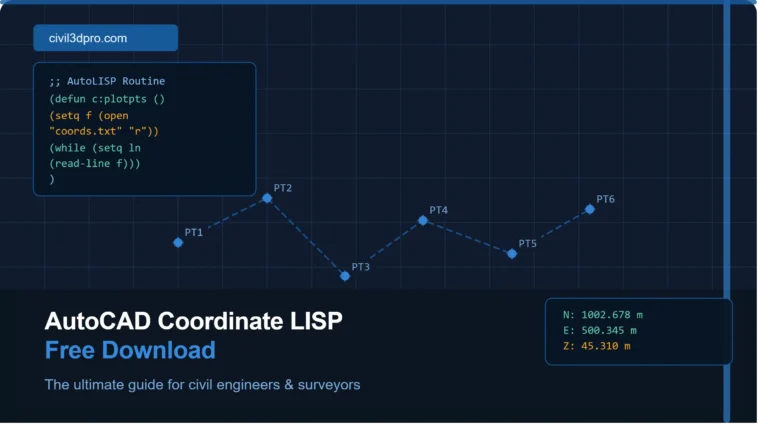
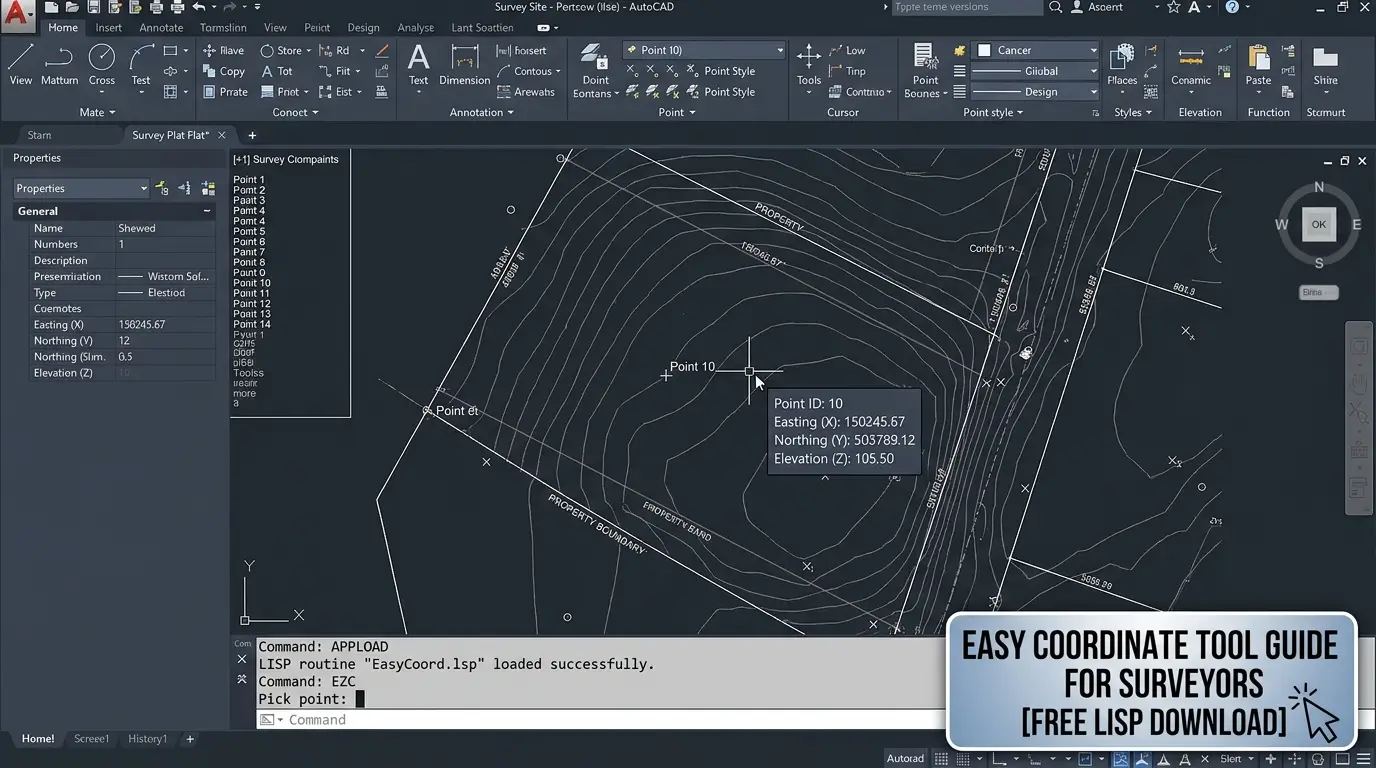
A coordinate LISP reads the selected point inside AutoCAD and places the coordinate value as text. In most cases, it shows Easting and Northing values. Some LISP files may also include point numbers, elevation values, or coordinate tables.
For example, if you click on a boundary corner, the LISP can place the coordinate label beside that point. This is much faster than checking the point value manually and typing it yourself.
Who Can Use AutoCAD Coordinate LISP?
AutoCAD coordinate LISP is useful for land surveyors, civil engineers, CAD operators, road designers, site engineers, and students learning survey drafting.
It is also useful for professionals who prepare land development drawings, plot layout drawings, topographic survey plans, road alignment drawings, and construction layout sheets.
Even beginners can use it if they follow the right guide. Civil 3D Pro provides tutorials and videos that explain the process in a simple way.
How to Download and Use AutoCAD LISP for Coordinates
After downloading the file, open AutoCAD. Type APPLOAD in the command bar and press Enter. Select the downloaded LISP file and click Load. Once loaded, AutoCAD will allow you to run the LISP command.
Now type the command name provided with the LISP file. Select the point where you want to show coordinates. The coordinate label should appear on the drawing.
If the text is too small or too large, adjust your text height, drawing scale, or annotation settings.
Benefits of Free AutoCAD LISP for Surveyors
A free AutoCAD LISP for surveyors helps reduce time spent on repetitive drafting tasks. Survey drawings often include many points, and labeling all of them manually can be frustrating.
It also improves drawing accuracy. Since the LISP reads values directly from the drawing, there is less chance of typing mistakes.
Another benefit is consistency. Coordinate labels created by a LISP file usually follow the same format. This makes the drawing look clean and professional.
For students and beginners, LISP files are also a good way to understand how automation works inside AutoCAD.
Best Practices Before Using Any LISP File
Before using any new LISP file on an important project, test it on a sample drawing. This helps you understand the command, text style, and output format.
Always keep a backup copy of your original drawing. If the LISP places text incorrectly or changes something unexpected, you can return to the original file.
Make sure your drawing units are correct. Coordinate values depend on the drawing setup. If your drawing is not properly scaled or georeferenced, the coordinate labels may not match your project requirements.
Also check layer settings. It is better to create a separate layer for coordinate labels so you can control color, lineweight, visibility, and plotting easily.
Common Problems and Simple Fixes
Sometimes the LISP file may not load. This usually happens because AutoCAD security settings block files from unknown locations. Move the LISP file to a trusted folder or allow it through AutoCAD trusted paths.
Sometimes the command does not work because the user types the wrong command name. Always check the command name mentioned in the guide.
Why Civil 3D Pro Is Helpful for AutoCAD LISP Users
Civil 3D Pro is not only about downloads. It helps users understand how tools work. Many websites provide a lisp file free download, but beginners still struggle because they do not know how to load or apply the file correctly.
Civil 3D Pro provides guide-based learning and video support. This makes it easier for AutoCAD users to follow each step and apply the tool in real drawings.
If you are learning survey drafting, coordinate labeling, Civil 3D, or AutoCAD productivity tools, Civil 3D Pro can be a helpful resource.
AutoCAD Coordinate LISP for Faster Drafting
The main reason to use an AutoCAD coordinate LISP free download is speed. Survey and civil drawings require accuracy, but they also require fast delivery. A simple LISP tool can help you complete coordinate labeling work in less time.
It also helps when revising drawings. If you need to add new points or update labels, the LISP command can make the process easier.
For small projects, it saves minutes. For large survey drawings, it can save hours.
Conclusion
A free AutoCAD LISP for surveyors download is a practical tool for anyone working with coordinates in AutoCAD. It helps mark points, label coordinates, reduce manual errors, and improve drawing presentation.
If you need autocad coordinate lisp free download, autocad lisp for coordinates free download, or lisp for coordinates in AutoCAD, Civil 3D Pro provides useful guides and video tutorials to help you learn the process correctly.