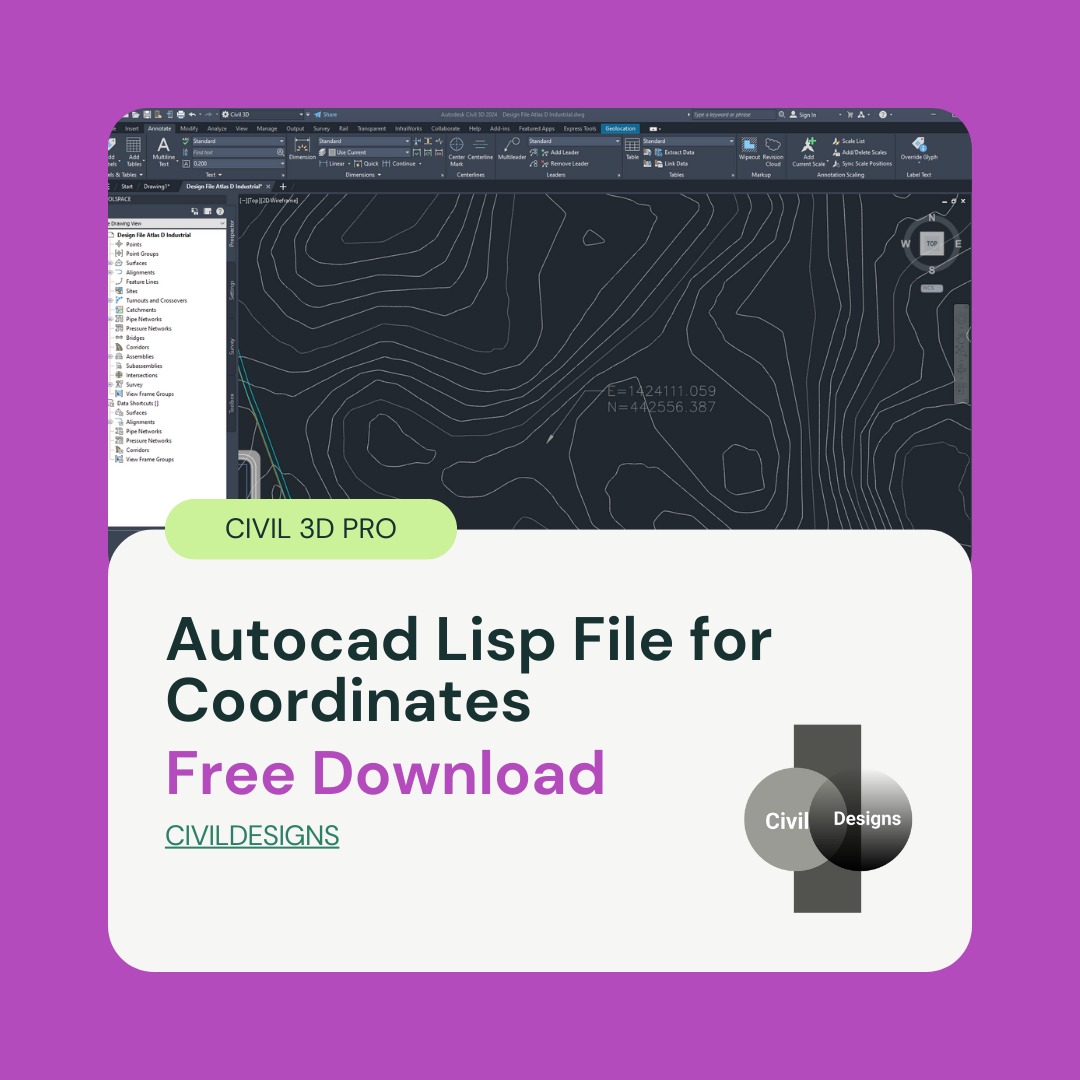
Autocad Lisp File for Coordinates Free Download
Introduction
Autocad Lisp File for Coordinates Free Download In the field of civil engineering, surveying, and AutoCAD Civil 3D design, getting accurate Easting and Northing coordinates is a very common requirement. Engineers, surveyors, and draftsmen often need to check coordinates repeatedly while working on layouts, site plans, and infrastructure drawings. Manually checking these coordinates again and again can be time-consuming and may also lead to calculation or drafting errors.
To solve this problem, a very useful AutoCAD Lisp file for coordinates is available that allows users to load the Lisp in any drawing and easily get the Easting and Northing of any selected point. This simple tool helps streamline daily drafting and surveying tasks by providing fast and accurate coordinate information directly inside AutoCAD.
This article is specially written forAutocad Lisp File for Coordinates Free Download who want a fast, accurate, and free solution for coordinate checking without using complex commands or manual methods.
What Is an AutoCAD Lisp File Coordinates Free Download?
AutoCAD LISP is a scripting language used to automate tasks in AutoCAD and AutoCAD Civil 3D. Lisp files allow users to create custom commands that perform specific functions, saving time and improving overall productivity. Instead of repeating the same steps manually, a Lisp file executes the task instantly with a single command.
Coordinate Lisp files are widely used in professional environments where accuracy and efficiency are critical. These files are commonly applied in land surveying drawings, road and highway projects, plotting and layout plans, and Civil 3D surface and alignment work. By using a coordinate Lisp file, users can instantly retrieve exact point values without disrupting their workflow. also check civil 3d corridor surface.
Features of AutoCAD Lisp File for Coordinates
This AutoCAD Lisp file for coordinates is designed to work smoothly in both AutoCAD and AutoCAD Civil 3D. It focuses on simplicity, accuracy, and ease of use, making it suitable for both beginners and experienced professionals.
The key features of this Lisp file include the ability to work in any AutoCAD drawing without special setup. Users can easily get the Easting and Northing of any selected point with a simple command. The tool is user-friendly, provides fast and accurate results, and is ideal for civil engineers and surveyors who need reliable coordinate data. Another important advantage is that it is completely free to download and use, making it accessible to all AutoCAD users.
How to Load Lisp File in AutoCAD
Loading this Lisp file in AutoCAD or Civil 3D is very easy and does not require advanced technical knowledge. First, open AutoCAD or Civil 3D on your system. Then type APPLOAD in the command line and press Enter. A dialog box will appear where you can browse and select the downloaded Lisp file. After selecting the file, click on the Load button to activate it.
Once the Lisp file is loaded, type XY in the command line and press Enter. Now click on the point in the drawing where you want to get the coordinates. After selecting the point, click on an empty area of the drawing. The Easting and Northing coordinates will be displayed clearly, allowing you to note or verify them instantly.
Why This Lisp Is Useful for Civil 3D Users
In Civil 3D projects, accuracy is extremely important because even small coordinate errors can affect the entire design. This coordinate Lisp helps users save valuable design time by eliminating repetitive manual checks. It also reduces the risk of calculation errors and improves the overall drafting and surveying workflow.
By quickly verifying site and layout coordinates, Civil 3D users can work more confidently and efficiently. That is why this AutoCAD Lisp file is considered a must-have tool for civil engineers, surveyors, and draftsmen working on professional projects.
Autocad Lisp File for Coordinates Free Download
You can download this useful AutoCAD Lisp File for Coordinates from the link below and use it in your projects.
👉 Download Link: https://www.mediafire.com/file/ds94etq9e1j5oy9/XY.fas/file
Load it in your drawing and make coordinate checking fast and hassle-free.