
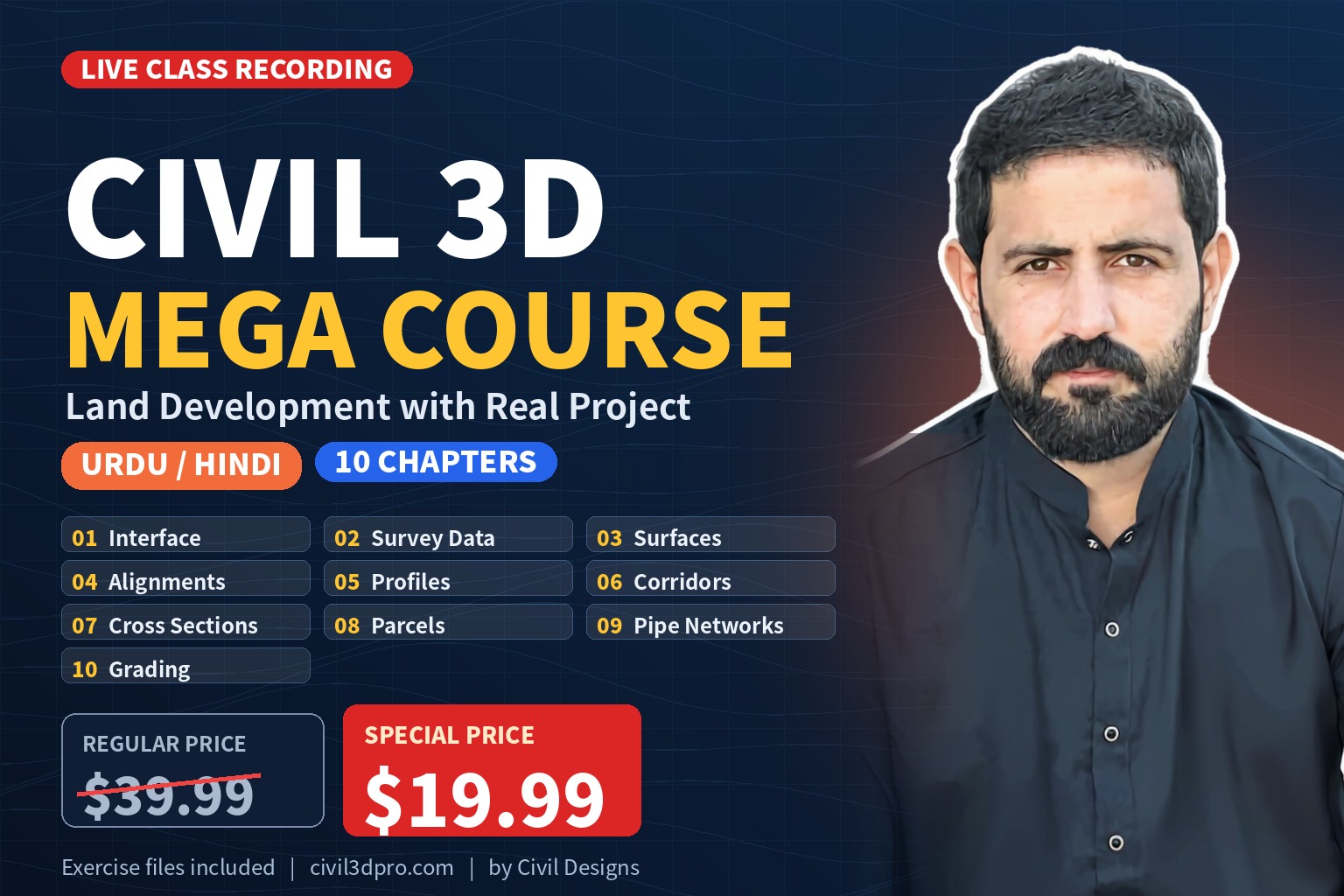
Learn AutoCAD Civil 3D for land development from the ground up in this complete Mega Course taught in Urdu/Hindi. This is the full recording of our live classes, covering 10 chapters with hands-on exercises, from the Civil 3D interface and survey data to corridors, parcels, pipe networks, and grading.
Course at a Glance
- Language: Urdu/Hindi
- Format: Recorded live classes
- Content: 10 chapters with step-by-step exercises
- Files: ZIP file with the complete chapter structure and exercise list
- Price:
$39.99$19.99 (special price)
Watch the Demo Class First
Please watch the demo class before you enroll. If the demo and the course content below match your learning and professional needs, go ahead and enroll.
Complete Course Content
Chapter 1 – Navigating the User Interface
Explore the Civil 3D interface and the essential tools you will use every day.
- Exercise 1.1: Use the Application Menu to Open a File
- Exercise 1.2: Use the Ribbon to Launch Commands
- Exercise 1.3: Explore the Model with the Prospector Tab
- Exercise 1.4: Explore the Drawing Settings with the Settings Tab
- Exercise 1.5: Explore Panorama
- Exercise 1.6: Use Transparent Commands to Draw Like a Civil Engineer
- Exercise 1.7: Use the Inquiry Tool to Answer Questions
Chapter 2 – Survey Data & Existing Conditions
Learn to work with survey data and build the existing conditions of a site.
- Exercise 2.1: Create a Survey Database
- Exercise 2.2: Import Survey Data
- Exercise 2.3: Apply a Linework Code Set
- Exercise 2.4: Create and Apply Point Groups
- Exercise 2.5: Edit Survey Points
- Exercise 2.6: Edit Survey Figures
- Exercise 2.7: Import Points and Create Points Manually
Chapter 3 – Modeling the Existing Terrain Using Surfaces
Model and analyze the existing terrain using Civil 3D surfaces.
- Exercise 3.1: Create an Existing Ground Surface
- Exercise 3.2: Add Breaklines
- Exercise 3.3: Add Boundaries
- Exercise 3.4: Delete Lines
- Exercise 3.5: Edit Points
- Exercise 3.6: Analyze Elevation
- Exercise 3.7: Analyze Slope
- Exercise 3.8: Annotate a Surface
Chapter 4 – Alignments (2D Design)
Create, edit, check, and annotate horizontal alignments in Civil 3D.
- Exercise 4.1: Create Alignments from Objects
- Exercise 4.2: Create Alignments Using the Alignment Creation Tools
- Exercise 4.3: Experiment with Alignment Grips
- Exercise 4.4: Apply a Design Check Set
- Exercise 4.5: Apply a Design Criteria File
- Exercise 4.6: Apply Alignment Styles
- Exercise 4.7: Apply Labels to Alignments
- Exercise 4.8: Create Station/Offset Labels
- Exercise 4.9: Create Tag Labels
- Exercise 4.10: Create a Table
Chapter 5 – Profiles (Vertical Design)
Learn the key workflows for surface profiles and vertical profile design.
- Exercise 5.1: Create a Surface Profile
- Exercise 5.2: Create a Profile View
- Exercise 5.3: Design a Profile
- Exercise 5.4: Edit a Profile with Grips
- Exercise 5.5: Apply a Design Check Set
- Exercise 5.6: Apply a Design Criteria File
- Exercise 5.7: Apply Profile View Styles
- Exercise 5.8: Apply Profile View Bands
- Exercise 5.9: Apply Profile Labels
- Exercise 5.10: Project Objects to Profile View
Chapter 6 – Designing in 3D Using Corridors
Work with 3D corridor modeling and targets.
- Exercise 6.1: Create an Assembly
- Exercise 6.2: Create a Corridor
- Exercise 6.3: Apply Subassemblies That Can Use Targets
- Exercise 6.4: Assign Targets
- Exercise 6.5: Create a Corridor Surface
Chapter 7 – Creating Cross Sections of the Design
Create, edit, and annotate cross sections of your design.
- Exercise 7.1: View and Edit with the Section Editor
- Exercise 7.2: Create Sample Lines
- Exercise 7.3: Create Individual Section Views
- Exercise 7.4: Create Multiple Section Views
- Exercise 7.5: Sample More Sources
- Exercise 7.6: Apply Section Styles
- Exercise 7.7: Apply Section Labels
- Exercise 7.8: Apply Section View Bands
Chapter 8 – Parcels: Boundaries & Analysis
Create and analyze parcels, one of the most in-demand skills for freelancers.
- Exercise 8.1: Create Parcels from Objects
- Exercise 8.2: Create Parcels Using the Lot Line Tools
- Exercise 8.3: Create Parcels Using the Parcel Sizing Tools
- Exercise 8.4: Create Multiple Parcels
- Exercise 8.5: Apply Parcel Styles
- Exercise 8.6: Apply Parcel Area Labels
- Exercise 8.7: Label Parcel Segments
- Exercise 8.8: Create an Area Table
- Exercise 8.9: Create a Parcel Segment Table
Chapter 9 – Pipe Networks (Utilities)
Work with pipe networks in both plan and profile environments.
- Exercise 9.1: Create a Pipe Network from Objects
- Exercise 9.2: Create a Pipe Network by Layout
- Exercise 9.3: Draw a Pipe Network in Profile View
- Exercise 9.4: Check Design and Depth
- Exercise 9.5: Control the Display of Structures
- Exercise 9.6: Create Plan View Labels
- Exercise 9.7: Create Profile View Labels
- Exercise 9.8: Create a Pipe Network Table
Chapter 10 – Civil 3D Grading
Work with grading workflows, feature lines, surfaces, and earthwork analysis.
- Exercise 10.1: Create Feature Lines
- Exercise 10.2: Edit Feature Lines with Geometry Commands
- Exercise 10.3: Create Grading Objects
- Exercise 10.4: Edit Grading Objects
- Exercise 10.5: Combine Surfaces
- Exercise 10.6: Analyze Surfaces
- Exercise 10.7: Analyze Hydrology
- Exercise 10.8: Analyze Earthwork
- Exercise 10.9: Label a Design Surface
Who Is This Course For?
This course is for students and professionals who want to learn Civil 3D and land development with a practical approach.
- Civil engineering students
- Civil engineers
- Civil 3D beginners
- CAD designers
- Land development professionals
- Surveying professionals
- Infrastructure design professionals
- Civil 3D users who want to improve their practical skills
Ready to Start?
Watch the demo, review the chapters, and if this course fits your goals, enroll now and start learning today.